
Introduction
As businesses scale, operational friction often appears in the most routine areas—payments, inventory tracking, and documentation. Manual cheque preparation, disconnected barcode tools, and inconsistent data entry not only slow teams down but also introduce avoidable errors and compliance risks.
Zoho’s Barcode Printing and Cheque Printing modules address these challenges by bringing standardisation, automation, and visibility into everyday operations. When implemented correctly, they help finance and operations teams work faster, cleaner, and with greater control.
This article explores how these modules work, where they add value, and practical tips to get the most out of them.
Why Barcode and Cheque Printing Still Matter
You can edit text on your website by double clicking on a text box on your website. Alternatively, when you select a text box a settings menu will appear. your website by double clicking on a text box on your website. Alternatively, when you select a text box
Despite growing digitisation, barcodes and cheques remain critical in many industries:
Barcodes enable accurate inventory tracking, faster billing, and error-free dispatch.
Cheques are still widely used for vendor payments, compliance-driven transactions, and internal approvals—especially in finance-heavy environments.
The challenge is not their relevance, but how fragmented and manual the supporting processes often are.
Zoho solves this by embedding both capabilities directly into its finance and operations ecosystem.
Zoho Barcode Printing Module: From Design to Control
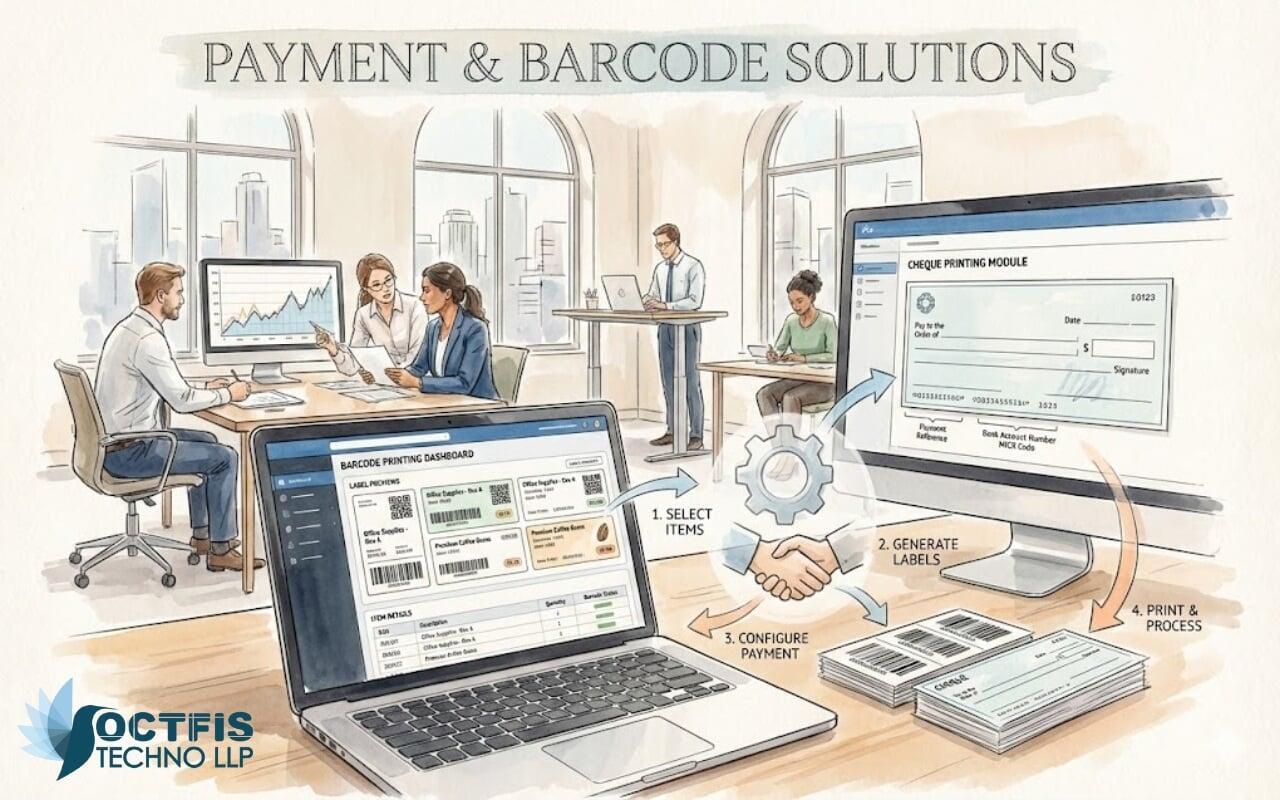
Zoho’s Barcode Printing functionality—commonly used with Zoho Inventory, Zoho Books, and Zoho CRM—allows businesses to generate, print, and manage barcodes directly from their system data.
Key Capabilities
Custom Barcode Design
Create barcodes based on item name, SKU, batch number, or serial number.Multiple Barcode Formats
Support for common standards such as Code 128, EAN, and QR codes.Bulk Printing
Print barcodes in bulk for inventory items, purchase receipts, or warehouse labels.System-Linked Data
Each barcode is tied directly to live records—ensuring accuracy across inventory, sales, and dispatch.
Dashboard Visibility
With barcode data integrated into Zoho dashboards, teams gain real-time visibility into:
Stock movement
Item availability
Warehouse-level tracking
Sales and dispatch accuracy
Practical Use Cases
Faster billing at POS or during dispatch
Reduced picking and packing errors
Easier audits and stock reconciliation
Improved traceability for batch-managed items
Zoho Cheque Printing Module: Clean, Compliant, and Controlled
Manual cheque writing is time-consuming and error-prone. Zoho’s Cheque Printing module—primarily within Zoho Books—automates the entire process while maintaining financial controls.
Key Capabilities
Predefined Bank Formats
Configure cheque layouts based on bank standards, including CTS compliance.Automated Payee and Amount Entry
Cheque details are pulled directly from approved bills or payments.Approval-Driven Printing
Ensure cheques can only be printed after internal approvals are completed.Reprint and Audit Trail
Maintain a clear log of printed, cancelled, or reissued cheques.
Dashboard Visibility
Finance teams can track:
Cheques issued vs pending
Payment status by vendor
Approval bottlenecks
Bank-wise payment summaries
Barcode + Cheque Printing: Stronger Together
While both modules deliver value independently, the real impact comes when they are part of a connected Zoho workflow.
For example:
A barcode-enabled inventory system ensures accurate goods receipt and billing.
Approved bills flow into Zoho Books, where cheque printing happens without re-entry.
Dashboards provide end-to-end visibility—from stock movement to vendor payment.
This reduces manual effort, improves data integrity, and creates a single source of truth.
Implementation Tips from the Field
Based on real-world deployments, here are a few best practices:
Standardise Early
Finalise barcode formats and cheque layouts before rolling them out across teams.Use Role-Based Access
Restrict who can design, print, or reprint cheques and barcodes.Leverage Automation Rules
Trigger approvals, alerts, or print readiness based on transaction values or item types.Train Teams on Dashboards
Dashboards create awareness—but only when teams know how to act on them.Test with Real Scenarios
Run pilot transactions to validate layouts, alignment, and data accuracy.
Where Octfis Adds Value
While Zoho provides the tools, successful outcomes depend on correct configuration and alignment with business processes.
At Octfis, we help organisations:
Map real operational workflows
Configure barcode and cheque modules correctly
Align approvals, roles, and dashboards
Ensure scalability as transaction volumes grow
The result is not just automation—but clarity, control, and confidence in daily operations.
Final Thoughts
Barcode Printing and Cheque Printing may seem operational, but they sit at the foundation of accuracy and trust in any growing business. When integrated into Zoho’s ecosystem and implemented thoughtfully, they eliminate friction where it matters most—inventory, payments, and compliance.
If your teams are still managing these processes manually or across disconnected tools, it may be time to simplify.
Automation is not about doing more—it’s about doing routine things right, every time.